







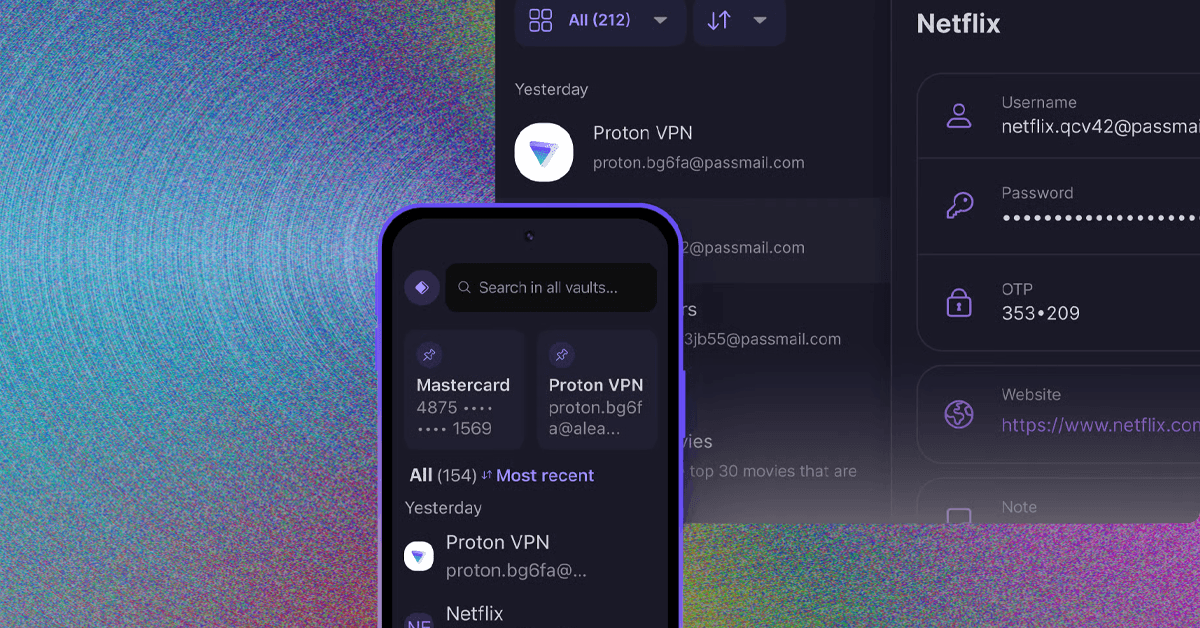



Once you've signed up, download the Proton Pass app on Windows, macOS, Linux, Android, or iOS, and enable the browser extension on Chrome, Safari, Firefox, Edge, or Chrome.
Best for Sharing Passwords
Keeper (7/10, WIRED Recommends) is a bit more expensive than our top options. The free version lacks some built-in features, such as dark web monitoring, which is only available as a paid add-on. But when it comes to sharing logins with multiple people, Keeper tops the charts. That’s largely due to its enterprise focus, giving it an edge when managing logins for multiple users across multiple accounts.
Instead of structuring your data into separate vaults, Keeper lets you create folders and share them with a permission structure similar to Google Drive. Additionally, you can share passwords externally with one-time share links and create self-destructing records, which will automatically delete themselves shortly after being opened.
Although Keeper is more expensive than the competition in most cases, it offers a lot of flexibility for small businesses. Keeper can scale up to enterprises and government institutions, offering products that run as much as $85 per user, per month. But for smaller businesses, you can start for as little as $4 per user, per month. —Jacob Roach
FeaturesPasskey supportYes2FA supportYesEmergency access/recovery kitYesEmail aliasesNoEncrypted storageNo (Up to 100 GB available separately)Once you’ve signed up, download the Keeper app on Windows, macOS, Linux, Android, or iOS, and enable the browser extension on Chrome, Safari, Firefox, Edge, Brave, or Chrome.
Another Good Password Manager
What sets 1Password (8/10, WIRED Recommends) apart from the other options on this list is the number of extras it offers. Like other password managers, 1Password has apps for every major platform, including macOS, iOS, Android, Windows, Linux, and ChromeOS. There’s even a command-line tool that will work anywhere. There are plug-ins for your favorite web browser, which make it easy to generate and edit new passwords on the fly.